Animate camera like a real shot
Keyframe latitude, longitude, zoom, pitch, and bearing directly in After Effects with a workflow motion designers already understand.

Mercator for After Effects
Create premium map sequences inside AE without wrestling outdated geospatial workflows. Mercator is built for speed, control, and client-ready output.






Why teams choose Mercator
Keyframe latitude, longitude, zoom, pitch, and bearing directly in After Effects with a workflow motion designers already understand.
Search places, import boundaries, create routes, and bring in GPX or GeoJSON to turn location data into story beats.
Mercator is a one-time plugin purchase. Use free-tier API keys where available, bring your own provider keys when needed.
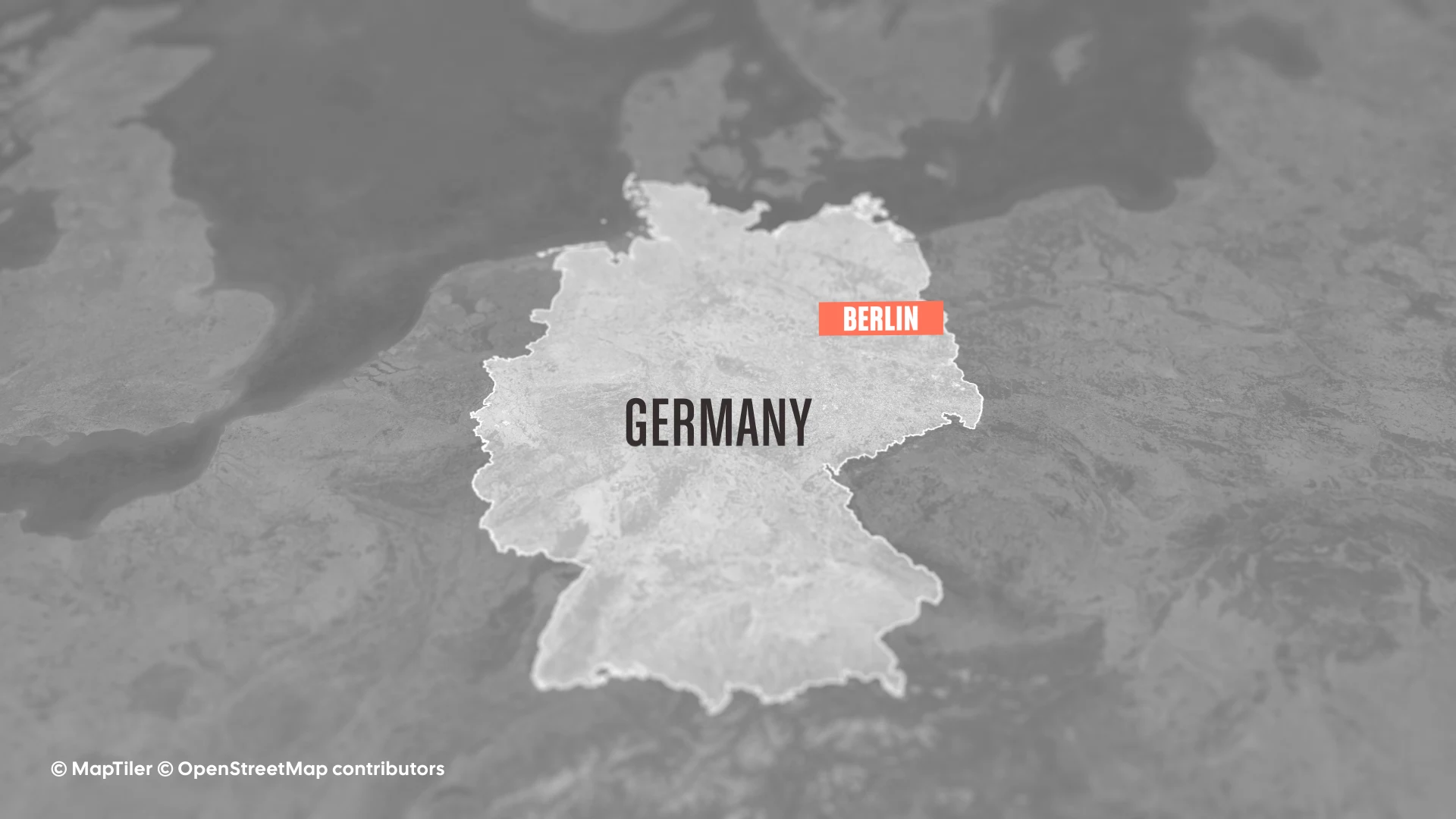
From first keyframe to final render, your map shots stay editable and fast to iterate.
Feature deep dive
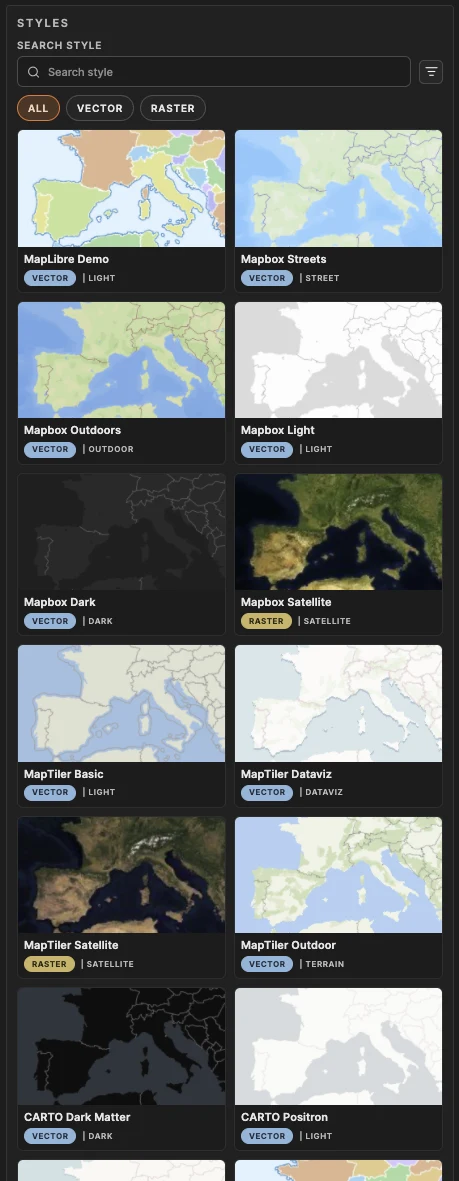
Audition looks fast: MapLibre, Mapbox, MapTiler, CARTO, ArcGIS, Stadia, or your custom style URL. Keep your camera move and comp flow while swapping visual direction. Build your personal style library as you go.
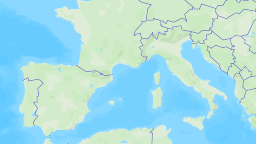
Search places, import boundaries, generate paths, and bring local GPX/GeoJSON data without jumping between disconnected tools.
© Esri, TomTom, Garmin, FAO, NOAA, USGS, OpenStreetMap contributors
Style controls, deterministic rendering focus, and motion blur integration keep exports stable when deadlines get tight.
Production ready
After Effects plugin workflow with panel controls
Works with Mapbox, MapTiler, CARTO, ArcGIS, Stadia, and custom style URLs
Route + boundary + GPX/GeoJSON support
Motion blur integration available now
Workflow
Pricing